Mesh WiFi vs Extender: What £33 and £220 Actually Fix in a Two-Storey House, and the Free Fix to Try First
Which? tested 18 Wi-Fi extenders and 23 mesh systems for its June 2026 update, and the best extender scored 74 percent. The best mesh system scored 85. That gap is the whole argument in mesh wifi vs extender, and it’s why the £33 plug-in gadget on the supermarket shelf is usually the wrong answer for a house with more than one problem room.
In This Article
But the mesh kit isn’t always the right answer either. Plenty of people spend £220 on three white pucks when a router that had been wedged behind the television for five years was the real culprit.
So here’s how I’d work through it, in order of cost, with the prices and test results I could actually find. I haven’t tested any of these myself. Where I’m leaning on someone else’s numbers, I’ll say whose.
The free fix that gets skipped
Before you buy anything, look at where the router lives. One UK networking guide from iGen Networks makes the point bluntly: moving a router out of a cupboard, off the floor and away from the TV can recover more signal than any gadget. I’d go further. If your broadband engineer put the master socket in the hall cupboard under the stairs, that’s where the router ended up, and it’s been quietly throttling the whole house ever since.
Try it for an evening. Put the router on a shelf in the middle of the house, ideally upstairs if you’ve got two floors, and run the longest ethernet cable you own back to the socket if you need to. Walk around with your phone and see which rooms still struggle.
If the answer is “none”, you’ve saved £33 to £220. If the answer is “the back bedroom and the garden office”, read on.
What a £33 extender can and can’t do
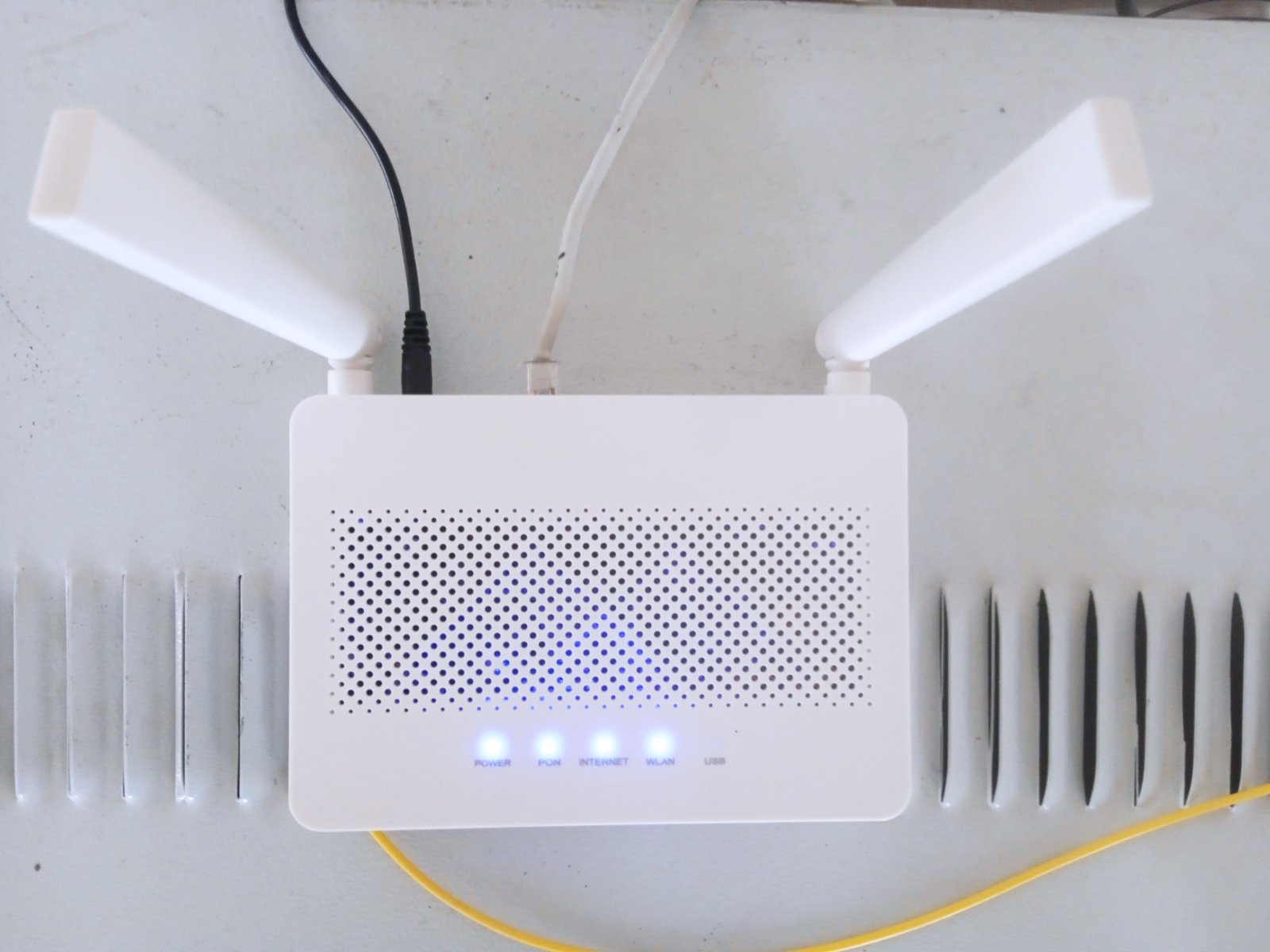
The only extender price Which? lists on its extending guide is the TP-Link TL-WA855RE at £32.69 on Amazon, with a note that it may be cheaper elsewhere. That’s roughly what the category costs, and it’s the entire appeal.
Which? describes an extender as a simpler and cheaper option that pushes your router’s reach into one targeted area. Then it adds a warning that matters: in some cases an extender can reduce your network speed. A separate guide from iGen Networks puts the typical loss at around half the speed on the extended signal. I’d treat that as a rule of thumb rather than a measured figure, but it matches why extenders feel disappointing. They receive and re-transmit on the same radio, so something has to give.
There are two other problems. The first is security. Which? flagged the Mercusys ME60X for accepting weak passwords, and noted that five of the models it tested lack automatic firmware updates. An extender you never update is an open side door to your network. The second is the dreaded second network name. Many extenders create their own, so your phone clings to the weak signal from the router while you’re standing right next to the extender.
Still, there’s a case for one. If you’ve got a single dead spot, you don’t need top speeds there, and £33 is what you want to spend, an extender does the job. A bedroom TV streaming in 1080p doesn’t need much. Nothing to write home about, but it works.
And if you find yourself shopping for a second extender, stop. That’s the point at which you should have bought mesh.
When mesh earns its money
Which? calls a mesh system an advanced, whole-house solution, and says most people will only need two or three nodes to get a solid signal through a two-storey home. The nodes talk to each other and share one network name, so your phone hands over from one to the next without you noticing.
Its published table shows the 23 mesh systems it tested scoring between 85 and 74 percent, and that’s the frustrating part. Model names and full results sit behind a paywall (a Which? digital subscription is £9.99 a month), so I can’t tell you which model got the 85. What I can say is that even the lowest-scoring mesh system matched the best extender, and the top one beat it by 11 points. One mesh system and five extenders also landed on the Don’t Buy list.
If you’ve got three or more rooms with a weak signal, a house over two floors, or thick brick walls between the router and where you work, mesh is the better bet. If you only have one problem, it’s overkill.
The mesh price ladder, and where I’d stop
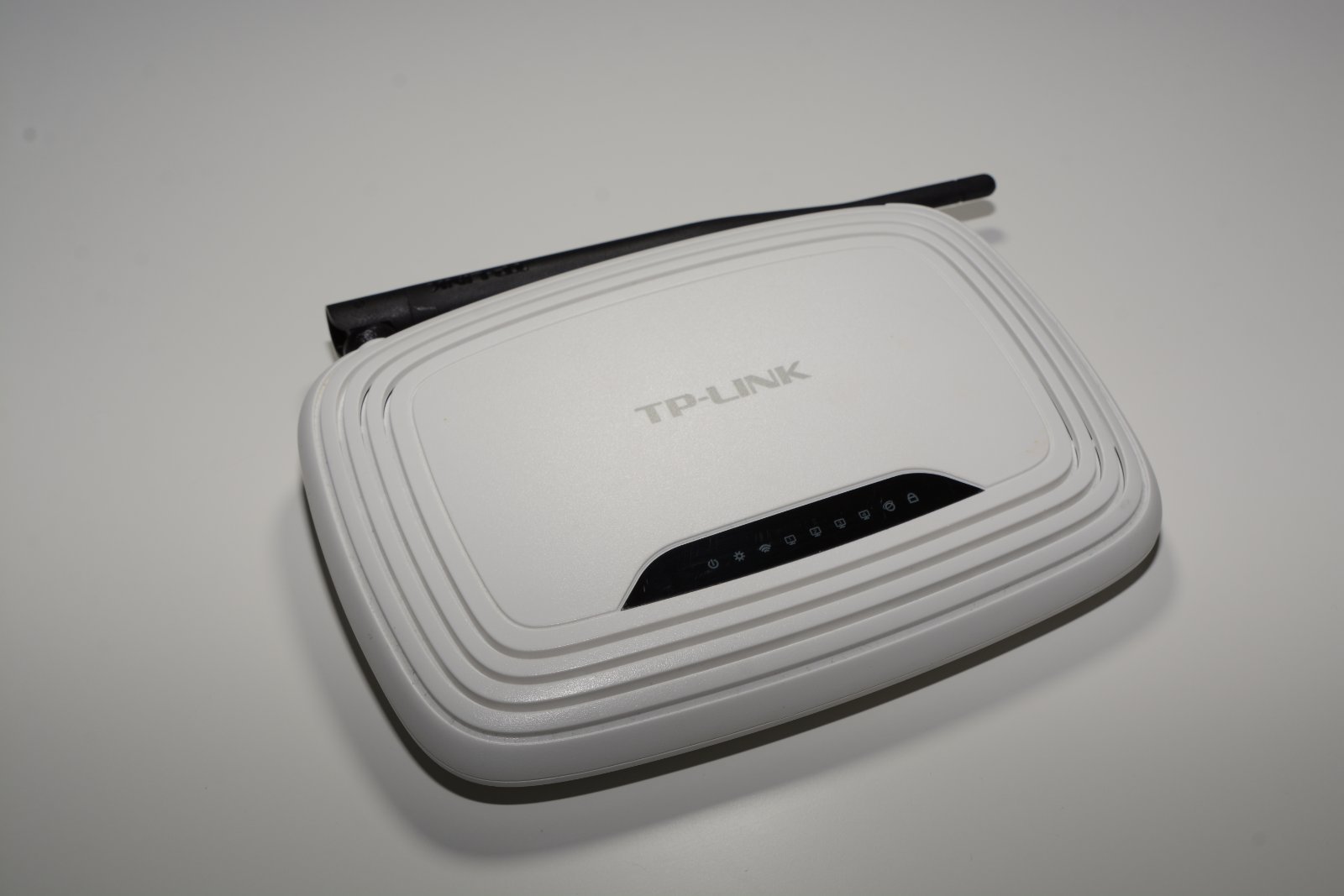
Gadget Scout, a UK buying guide published in August 2026 and updated in September, ranks the TP-Link Deco range. Treat its prices as snapshots, because it says so itself. Here’s the ladder.
| Model | Wi-Fi standard | Snapshot price | Gadget Scout’s verdict |
|---|---|---|---|
| Deco X20 | Wi-Fi 6 (AX1800), dual-band | About £187 | Budget option, but end of life |
| Deco X50 | Wi-Fi 6 (AX3000), dual-band | £220 to £260 | Best overall for most UK homes |
| Deco XE75 | Wi-Fi 6E (AXE5400), tri-band | £220 to £350 | Best Wi-Fi 6E value |
| Deco BE65 | Wi-Fi 7 (BE9300), tri-band | About £584 | Best Wi-Fi 7 buy |
The X50 is the sensible centre of that table. Gadget Scout’s advice is to buy it unless you need a 6GHz band, Wi-Fi 7, multi-gigabit broadband or wired links faster than gigabit, and claims coverage of up to 6,500 square feet for the three-pack. That’s a manufacturer figure, so don’t expect to cover a 6,500 square foot house with brick walls.
The X20 is where I’d be most cautious. It’s about £187, which is only about £33 less than the cheapest X50 price quoted, and the guide itself flags it as end of life. Only buy it if you find it far cheaper than the X50. Otherwise you’re paying for a product that’s about to stop getting attention.
And the BE65? Skip it. At roughly £584 it costs more than double the X50, and it only pays off if your phones and laptops already speak Wi-Fi 7 and you’ve got a 2.5Gbps broadband line to feed it. Check the listing too, because Gadget Scout notes the price is quoted as a three-pack while the Amazon link it points to is for a two-pack. That’s the kind of detail that costs you £150 if you don’t read it.
My contrarian view is that Wi-Fi 6E and Wi-Fi 7 are mostly a way of selling you something you can’t yet use. The iGen guide agrees that Wi-Fi 6 mesh is the value pick for most UK homes, and I’d go with that. Your broadband line is the ceiling, not the box.
Why 6GHz won’t rescue your back bedroom
The spec sheets love big numbers, so it’s worth knowing what Which? says about the bands. The 2.4GHz band gives the best range but the slowest speeds. The 5GHz band is faster with less range. The 6GHz band, the one that Wi-Fi 6E and Wi-Fi 7 kit adds, is faster still with the weakest range of the three.
Read that again with a dead spot in mind. The extra band on the dearer kits is the one least able to get through a wall. It helps in a room that already has a decent signal and a laptop that supports it. It does very little for the bedroom at the far end of the house, which is the room you’re probably trying to fix.
That’s the quiet flaw in the XE75 and BE65 pitch. A dual-band Wi-Fi 6 set like the X50 gets its range from the lower bands and gets its reliability from having a node near the problem. The fix is the node, not the standard.
It also changes where you put the pucks. Don’t tuck them in the dead room itself, because a node that can barely hear the router can’t pass on anything useful. Put each one roughly halfway between the router and the weak spot, where it still gets a strong signal to share. If the first spot doesn’t work, move it a metre or two and try again. It’s boring, and it’s usually the difference between a mesh kit people rave about and one they return.
Powerline: the awkward cousin
Which? doesn’t test powerline adaptors. It says plainly that they won’t work in every house, because the result depends on the state of the electrical wiring. iGen’s rule of thumb is that in a typical UK home you’ll see around 20 to 40 percent of the speed printed on the box, and 60 to 80 percent below the advertised figure if conditions are poor.
That’s grim on paper. But there’s a use case where it still makes sense: one wired device in one room, like a games console or a smart TV that refuses to behave on Wi-Fi. For that job, buy from a seller with a decent returns policy, plug it straight into the wall rather than a trailing extension lead, and be ready to send it back if the speeds are poor.

Four houses, four answers
A one-bedroom flat with a router in the hall and a weak spot in the bedroom: move the router first. If that fails, buy the £33 extender and be done.
A two-storey terrace where the back bedroom and the kitchen both struggle: this is mesh territory, and a two-pack of Wi-Fi 6 nodes is probably enough. Which? says most people need two or three.
A 1930s semi with solid internal walls and a garden office: mesh, with three nodes, and wire one back to the router with ethernet if you can. iGen recommends exactly that, because a wired link between nodes avoids the speed hit from nodes talking to each other over the air.
A house where only the living-room TV buffers: powerline for that one room, or just run a cable along the skirting board. It’s a bit of a faff, but it costs less than a mesh kit and it’ll outperform one.
Timing, and the deals question
Mesh kits are the sort of product that tends to turn up in sales, and our Black Friday tech deals piece is the place to watch for them. I can’t promise this year’s prices, and I’d be guessing if I did. What I’d do is note the snapshot prices above, then buy the moment an X50 or similar drops below the bottom of its range.
If you’re working through a list of smart home upgrades, remember that all of them lean on your Wi-Fi. A video doorbell under £100 at the front door is the classic casualty of a weak signal, and a smart thermostat that drops offline defeats its own purpose. Our guide to energy-saving gadgets that actually work covers which of those are worth the trouble. And if you’re setting up a connected digital photo frame for grandparents, check the signal in their house before you post it.
What I’d do this weekend
Move the router. Walk the house with your phone. Write down the number of rooms that still fail, and only then open a shopping tab.
One room: extender, around £33, and change the default password straight away. Three rooms or two floors: a Wi-Fi 6 mesh two-pack or three-pack in the £220 to £260 bracket. Anything dearer, you need a reason you can name.
The prices come from Gadget Scout’s Deco buying guide, the test scores and extender price from Which?’s guide to extending your Wi-Fi, and the speed-loss rules of thumb from iGen Networks. Check live prices before you buy, because none of them are fixed.
So which is it in your house: the one stubborn room that a cheap gadget might fix, or the whole floor that needs a proper rethink?