Best Home Printer 2026: The £39 Back-to-School Trap – And the Two Machines That Fix It, From £85
Somewhere in Britain this week, a parent is standing in a supermarket aisle holding a £39 printer, and it’s about to become the most expensive gadget in the house. Not the telly. Not the laptop. The printer. Because the machine isn’t the product – the ink is, and the ink on those cheap inkjets runs to more per millilitre than decent perfume.
In This Article
- The maths the back-to-school aisle doesn't show you
- What the best home printer actually looks like in 2026
- The homework machine: Brother's £85 laser
- The family printer: Epson's EcoTank at £160
- Third-party ink: the workaround they keep trying to break
- When to buy: what a real discount looks like
- HP Instant Ink: fine right up until you cancel
- Specs you can ignore
- And if you print ten pages a year?
So here’s the short version before the long one. The best home printer in 2026 is one of two machines: an £85 mono laser that will print homework for years on pennies, or a £160 ink tank that does colour for a family and barely sips its refills. Almost everything between £39 and £85 is a trap, and the trap is dressed up as a back-to-school bargain right now, stacked by the tills next to the pencil cases. (The printer is only the second most stubborn piece of kit in a British home – the most stubborn one finally has a switch-off date.)
I’ve spent eight years watching readers fall into this one. It still works every September.
The maths the back-to-school aisle doesn’t show you
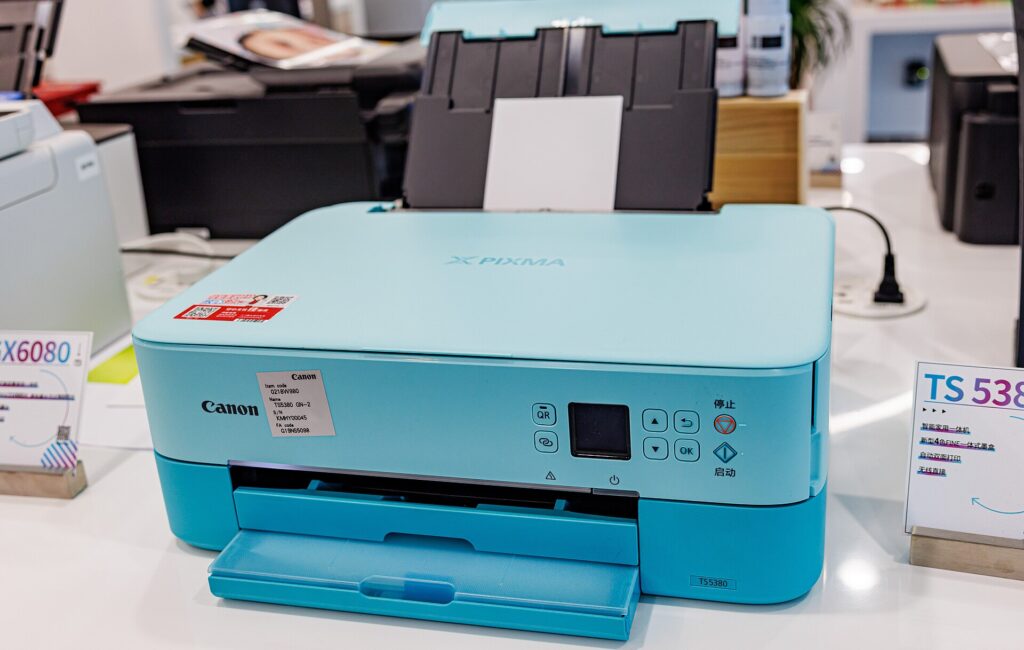
A £39 inkjet looks like a sensible purchase for a family that prints homework, permission slips and the odd train ticket. The shelf label doesn’t mention three things.
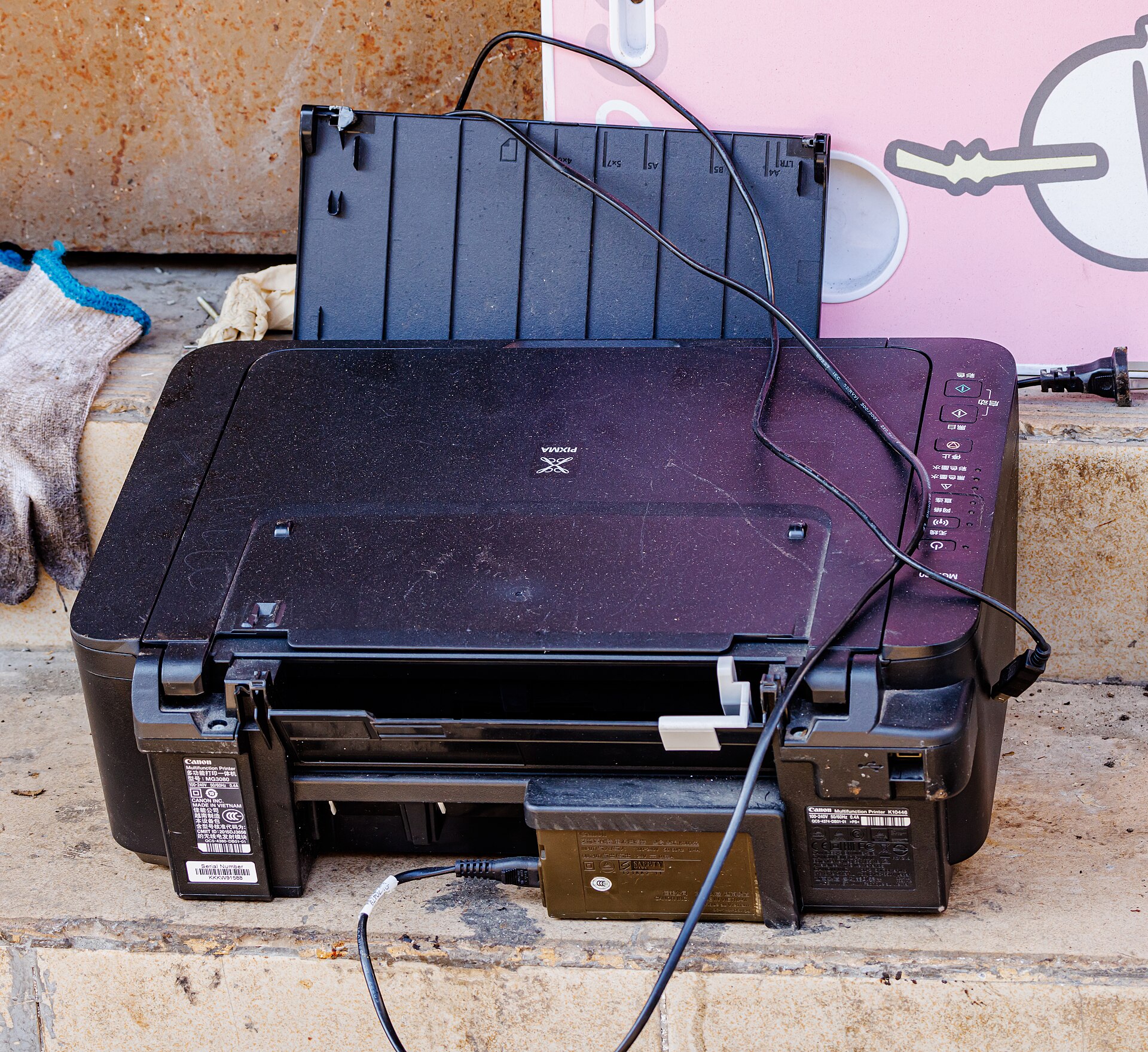
First, the cartridges in the box are starter cartridges. They’re part-filled, they exist to get you through setup and a fortnight of light use, and then the machine starts nagging. Second, a full replacement set for a budget inkjet typically costs £25 to £35 – most of the price of the printer – and the standard black cartridge in that set is often rated for somewhere between 100 and 200 pages. Do the sums and you’re paying roughly 10p to 15p per page once colour gets involved. Third, inkjets that sit unused for weeks clean their own heads by pumping ink through them, so a chunk of what you paid for evaporates into a sponge inside the machine without ever touching paper. A family that prints a few hundred pages over a school year can quietly spend £60 to £100 a year feeding a £39 printer. Which? runs annual running-cost tests on exactly this, and its conclusion has been the same for years: the cheapest printer to buy is almost never the cheapest to run.
Compare that with the two machines this piece is actually about. A mono laser toner cartridge costs more upfront but prints in the region of 1,200 to 3,000 pages, which works out at 1p to 2p a page. An ink tank printer comes with bottles – not cartridges, bottles – that print thousands of pages, and Epson ships some models with what it calls up to three years of ink in the box. Per page, you’re under a penny for black and white.
And that’s the whole argument. Spend £50 to £120 more on day one, save it back within the first school year, then keep saving every year after.
We made the same case about supermarket special laptops in July, and printers are a worse offender because the cost is hidden in the refills rather than the spec sheet.
Put a school year on it and the numbers stop being abstract. Call it 600 pages between September and July – homework sheets, reading records, the costume reference for World Book Day printed four times because the first three were the wrong size. On a budget inkjet at even a kindly 10p a page, that’s £60 in cartridges. On the Brother laser below, the same year costs £6 to £9 in toner. On the Epson tank, less than £4 in ink. The £39 printer doesn’t just cost more over five years – it costs more by the February half term.
What the best home printer actually looks like in 2026
Forget brand loyalty and forget the wall of forty near-identical machines in Currys. The decision tree for the best home printer has exactly one question on it: do you need colour?
Be honest, because the answer is no more often than people admit. Homework is black and white. School letters, forms, returns labels, tickets, CVs, tenancy agreements – black and white, all of it. Colour exists in most homes for the occasional party invitation and the even more occasional photo, and photos come out better and cheaper from a £3 order at a print shop anyway. My contrarian position, held since I stopped owning a colour printer myself in January: most families shouldn’t buy one. The colour habit is something the printer industry sold us because colour ink is where the margin lives.
If you can live with black and white, buy a mono laser. If you have primary-school children who churn through rainbow-coloured project printouts, buy an ink tank. Those are the two machines. Everything else is a compromise that favours the manufacturer.
The homework machine: Brother’s £85 laser
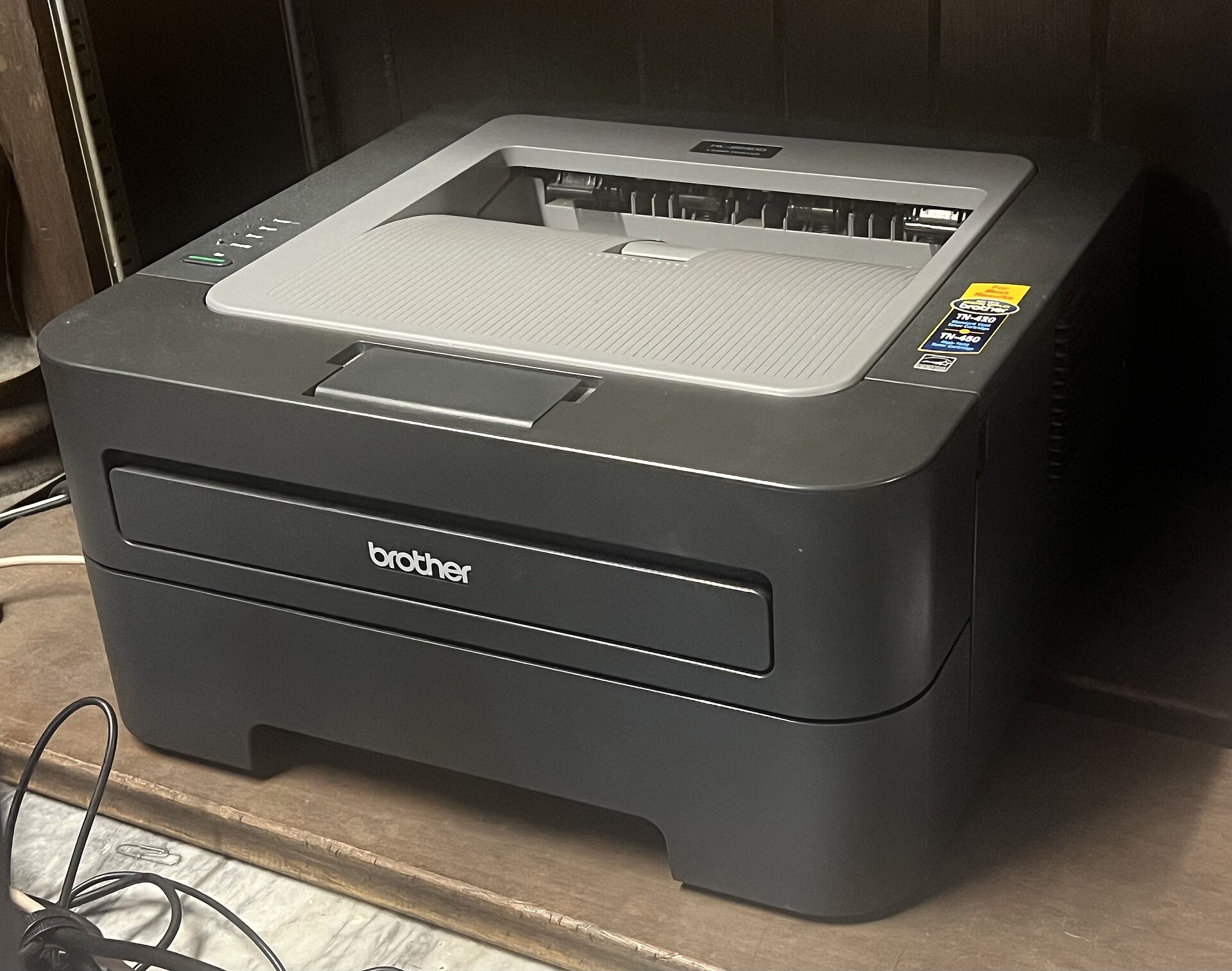
The Brother HL-L2400DW is the printer I recommend more than any other, and it’s about as glamorous as a filing cabinet. Around £85 depending on the week, prints only in black and white, and does nothing clever. It connects to Wi-Fi, it does double-sided printing on its own, and it puts crisp text on paper at a pace that makes a budget inkjet look like it’s carving each letter by hand.
Toner is the point. A cartridge lasts over a thousand pages, doesn’t dry out, doesn’t clog, and doesn’t care if the printer sits untouched from sports day to September. Laser printers hold no grudges about being ignored, which makes them the right technology for how families actually print: nothing for six weeks, then twelve pages of a Tudors project at 8.40am.
The honest negatives. There’s no scanner on this model – Brother’s MFC versions add one for about £50 more, but your phone’s camera does document scanning well enough now that I’d skip it. The print quality on images is mediocre; greyscale photos come out looking like a newspaper from 1994. And the thing is plasticky and dull to look at, if that matters to you. It shouldn’t.
But for pure cost-per-homework-sheet over a five-year life, nothing else on sale gets close. RTINGS’ running-cost testing keeps mono lasers like this at the top of its cheap-ink rankings for the same reason.
The family printer: Epson’s EcoTank at £160
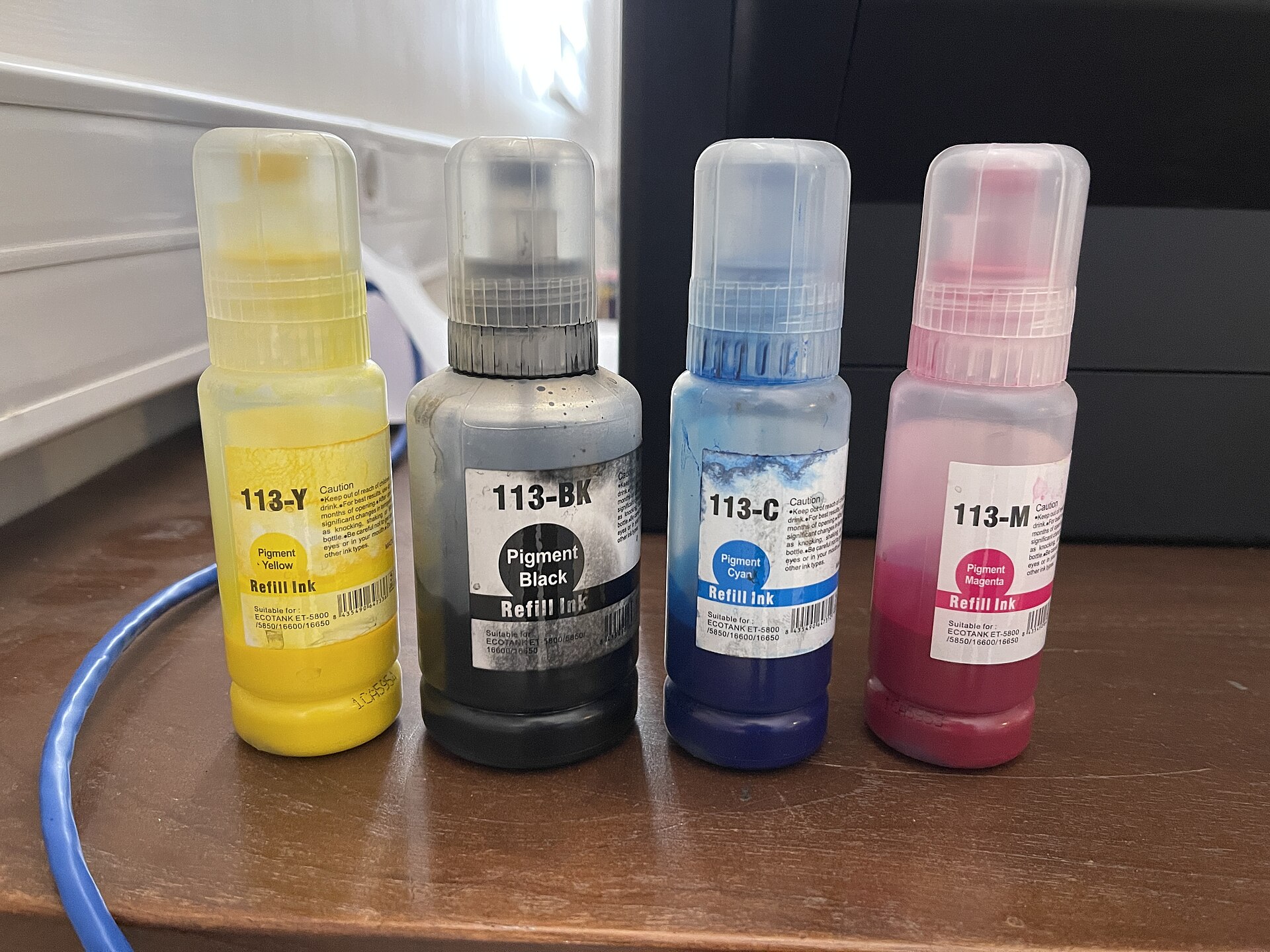
If colour is non-negotiable, the Epson EcoTank ET-2870 is the machine to beat, currently £159.99 at Currys. Instead of cartridges it has four visible tanks on the front that you fill from bottles, like topping up screenwash. The bottles in the box are rated for thousands of pages, and a full replacement set costs about £30 – which sounds like cartridge money until you clock that it prints ten to twenty times as many pages.
It scans and copies. It does the school-project rainbow without wincing.
Negatives, because there are some. It’s slow – noticeably slower than a laser, and if you print twenty pages you’ll wander off and make tea. The screen is a tiny non-touch afterthought and the setup menus feel a decade old. First-time bottle filling is a small ritual of its own; Epson’s keyed bottles mean you can’t put the wrong colour in the wrong tank, but you’ll still hover nervously the first time. And photo prints are fine rather than beautiful – good enough for the fridge door, not for framing.
Canon’s MegaTank range does the same job and some models edge Epson on photo quality, so if you spot one discounted below the ET-2870 it’s a fair swap. TechRadar’s ink tank guide covers the current field if you want to compare across brands.
One warning that applies to all tank printers: the savings only materialise if you print reasonably often. If your household prints thirty pages a year, the £160 upfront never pays itself back, and you should read the final section instead.
Third-party ink: the workaround they keep trying to break
There’s a second layer to the running-cost story, and it’s the one manufacturers would rather you didn’t read about. Third-party cartridges and toner – the unbranded compatibles sold on Amazon and by UK outfits that have been at it for decades – cost a fraction of the official stuff. A compatible toner for the Brother below runs £12 to £18 against £40-plus for the branded cartridge, and prints the same pages. For most budget inkjets, a full compatible set is under a tenner.
So why isn’t the advice just “buy any printer and use cheap ink”? Because the manufacturers fight back, and some fight dirtier than others. HP has a long record of firmware updates that make printers reject non-HP cartridges outright – it calls this “dynamic security”, which is a wonderful name for a feature that benefits nobody who bought the machine. Epson and Canon are less aggressive on their cartridge models, and Brother’s lasers have historically been relaxed about compatibles, which is part of why the HL-L2400DW earns its place below. Tank printers sidestep the whole war: bottled ink is so cheap per page that there’s barely a market for knock-offs, and Epson’s official bottles are the rare consumable that isn’t a rip-off.
The scare message your printer shows when it detects a compatible – the one implying your warranty is void – is mostly theatre. Under UK consumer law, using third-party ink doesn’t void a warranty unless the ink itself caused the fault. But “mostly theatre” still means an argument with customer services you might not fancy, so the cleaner answer remains buying a machine whose official consumables are cheap in the first place.
When to buy: what a real discount looks like
Printer pricing wobbles more than most tech. The same EcoTank drifts £30 or £40 in either direction across a few months, and the back-to-school period plus the bank holiday weekend produces some real reductions alongside the usual theatrical ones. The mattress trick of a permanent “half price” sale operates in this aisle too, just with smaller numbers.
A fair benchmark from watching this market: the Brother laser is well bought anywhere under £90, and a genuine bargain under £75. The ET-2870 at its current £159.99 is normal; £135 to £145 happens a few times a year and is the price to pounce on. Check a price history site before believing any “was” figure – thirty seconds on PriceSpy has saved me from more fake discounts than any amount of scepticism.
One thing not to do is wait for Black Friday. Printer stock in November skews towards the £39 machines this article exists to talk you out of, and the ink tanks rarely drop further than they do in September. Buy for the school year, not the sale calendar.
HP Instant Ink: fine right up until you cancel
HP’s answer to the ink problem is a subscription, and it deserves a fair hearing before the caveat. Instant Ink starts at £1.49 a month in the UK, the printer orders its own cartridges before it runs dry, and you pay per page allowance rather than per cartridge. Unused pages roll over. For a light-printing household with an HP already on the shelf, the maths can work out cheaper than buying cartridges at retail.
Now the caveat, and it’s a big one. Instant Ink cartridges belong to HP, not to you. Cancel the subscription and they stop working – even if they’re still half full and sitting in your printer. Your machine goes from working to not working because a direct debit ended. The plans also creep: miss your allowance three months running and the sensible move is a cheaper tier, but the app’s nudges all point the other way.
We saw the same pattern with video doorbells in August – hardware sold cheap, then a subscription quietly becoming the real product. It’s the direction an annoying amount of home tech is heading, and printers got there first.
My advice: Instant Ink is acceptable as a patch for an HP inkjet you already own. It isn’t a reason to buy a new HP inkjet over a laser or a tank machine that answers to nobody’s billing department.
Specs you can ignore
Printer spec sheets are padding. Pages-per-minute figures are measured in draft mode nobody uses; any modern machine is fast enough for a home. Ignore “borderless photo printing” unless you actually print photos, which we’ve covered. Ignore the app ecosystems – every printer app is bad, all of them, and you’ll print from the standard share menu on your phone anyway. Voice assistant support is a feature in search of a reason.
Two specs do matter. Automatic double-sided printing saves real paper over a school year and both machines above have it. And Wi-Fi rather than USB-only, because the family printer lives in a cupboard now, not on a desk.
And if you print ten pages a year?
Don’t buy a printer. This is a legitimate answer and shops will never give it to you.
Libraries print for around 20p a page. Supermarket photo kiosks handle boarding passes and forms. Ryanair’s app means even the classic panic print is mostly gone. A household that prints once a term will spend less at the library over five years than they’d spend keeping any inkjet’s heads from clogging – and they’ll never once stand in a hallway at 11pm swearing at a paper jam.
The printer industry survives on people buying machines for a printing habit they don’t actually have. If that’s you, keep the £160, put £40 of it towards something you’ll use every day, and walk past the September aisle entirely.
For everyone else – the families with book-week worksheets and reading logs and that one teacher who still wants everything on paper – the £85 Brother or the £160 Epson will outlast two or three of the £39 machines and cost a fraction as much to feed. Which camp is your household in, and does your current printer know about it?