

What Amazon Kids+ Costs After the Free Year: The £70 Fire Tablet That Becomes £154 by Year Two – And the £139 Samsung to Compare It With
Amazon sold the Fire HD 8 Kids tablet for £69.99 in May. The usual price is £149.99. Same tablet, same case, same two-year replacement guarantee, and a gap of £80 that tells you most of what you need to know about how to work out what Amazon Kids+ costs after the free year before you buy a kids’ tablet for half-term. We’ve already covered the best kids tablet under £150 for the summer holidays; this is the money question that guide didn’t have room for.
In This Article
- The £70 deal was real. The £150 price is the one to be suspicious of
- Fire 7 Kids or Fire HD 8 Kids: the difference is smaller than the price gap suggests
- What Amazon Kids+ costs after the free year
- The £139 Samsung that sits quietly in the round-ups
- What a sensible shopping list looks like, with prices
- Three questions before you add to basket
- The half-term kit that costs more than people expect
- Day one: the ten minutes that decide whether it works
- My pick, with the reasons it might be wrong
Don’t pay the full £149.99 if you can avoid it.
That sounds like standard deal-hunting advice, but there’s a catch hiding in the box, and it’s the part nobody puts in the headline. Every one of these Amazon tablets comes with a year of Amazon Kids+ included. After that year the subscription renews, and depending on whose figures you trust and whether you’re a Prime member, it runs at roughly £4 to £7 a month. Over three years of a child using the thing, that’s a bigger bill than the tablet itself.
The £70 deal was real. The £150 price is the one to be suspicious of
The May offer was reported by The Portsmouth News as 53% off the £149.99 list price, and only the blue version qualified; the themed cases stayed dearer. It included the case, a year of Kids+ and the guarantee. I can’t tell you what the price is on the day you read this, because Amazon moves it constantly and I haven’t been able to check a live listing. What I can say is that a tablet that spends part of the year at £70 isn’t really a £150 product.
So the practical rule is simple. If it’s at £150 this week, wait. Half-term lands in the last week of October for most English schools, Black Friday follows within a month, and I’ve written about when waiting beats buying on Black Friday tech. Amazon discounts its own devices often, and a tablet that hit £69.99 once will probably do it again.
But there’s a flip side. If you need it for the week itself, to stop two children fighting over one phone in a car park outside a soft play, then £150 buys you something that works out of the box, with a case that has survived worse than your kitchen floor. Waiting costs nothing in money. It does cost you a week of arguments.
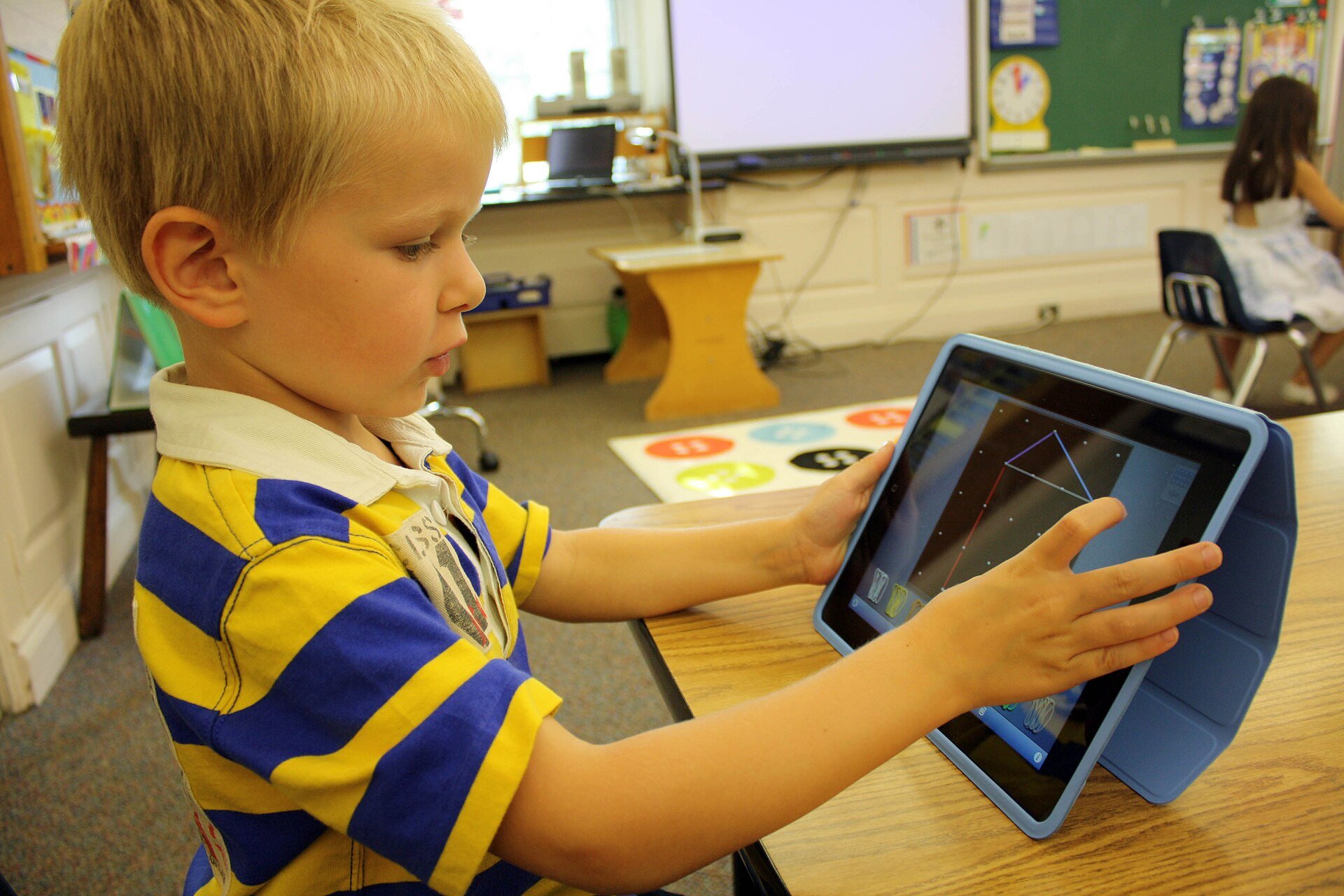
Fire 7 Kids or Fire HD 8 Kids: the difference is smaller than the price gap suggests
The cheaper tablet is the Fire 7 Kids at £114.99. The step up is the Fire HD 8 Kids at £149.99, and the Kids Pro version at the same price. According to Mumsnet’s comparison, the 7 has a 1024×600 screen, up to 10 hours of battery, a quad-core chip and weighs 429g. The 8 has a 1280×800 screen, up to 13 hours, a six-core chip and weighs 518g.
On paper that’s a clear win for the 8. In a child’s hands it’s less obvious. Resolution matters when you’re reading small text or watching video at arm’s length, which is what an adult does. A six-year-old watching cartoons two feet from the screen won’t notice 1024×600. They’ll notice if it’s heavy, and 518g is not light for small arms on a long car journey.
Storage is the part I’d actually argue about. The Fire 7 Kids comes in 16GB or 32GB, the HD 8 in 32GB or 64GB. Sixteen gigabytes sounds like plenty until you’ve downloaded a few episodes for the motorway. Both take a microSD card (up to 1TB on the HD 8, according to the deal listing), and a card costs a few pounds. Buy the cheaper tablet, add a card, and you’ve closed most of the gap.
Age ranges are muddier than Amazon would like. Mumsnet describes the Fire 7 Kids as aimed at ages 3 to 7 and the HD 8 as suitable for 3 and up. Tech Advisor’s review of the Kids Pro pitches it at 6 to 12, and calls it a great all-rounder for younger children while warning that older users will want more power. That last point is the honest one. These are slow tablets. The Tech Advisor review lists a UNISOC chip with 3GB of RAM, a clunky Fire OS interface and poor cameras among the downsides.
My view: for under-sevens, the Fire 7 Kids plus a memory card is the sensible purchase. Over that, don’t stretch to the HD 8 Kids and expect it to feel quick, because it won’t. If your child is eight or older and already asks for Minecraft or YouTube, you’re looking at the wrong shelf entirely.
What Amazon Kids+ costs after the free year
This is where the arithmetic goes sideways. A year of Amazon Kids+ is included with both tablets. After that, Mumsnet quotes £38 a year for Prime members or £68 a year for non-Prime, or £3.99 and £6.99 a month. Tech Advisor, reviewing the Kids Pro in March 2025, gives £4.99 to £6.99 a month. The numbers don’t match exactly, so check the Amazon checkout before you commit; I’m not going to pretend I know which is current.
Work it through anyway. Take the middle of those figures, £6.99 a month for a non-Prime household. That’s £83.88 a year, and more than the £69.99 you paid for the tablet in May.
Now, nothing forces you to keep paying. The tablet still works as a tablet. The honest unknown is how much of the parental-control setup you’d lose if you cancelled, and I haven’t been able to confirm that from the sources I read. If you plan to rely on the filtering and time limits, find that out before day 366, not on it.
The better question is whether your child needs the subscription at all. It’s a library of books, games, videos and apps, handpicked for age. That’s useful on the first day of a rainy half-term and a lot less useful in month 14, when they’ve found the one game they like and ignore the rest. I’d treat the free year as the product and the renewal as a decision you make deliberately, with a calendar reminder set for eleven months out.
The £139 Samsung that sits quietly in the round-ups
Made for Mums’ April 2026 round-up of kids’ tablets lists the Samsung Galaxy Tab A9 at £139, with 64GB or 128GB of storage, a built-in Samsung Kids mode, expandable memory and a battery they describe as long-lasting. The drawbacks they note are limited base storage, no protective case in the box and confusing variants. It’s for ages eight and up in their ranking.
That’s the trade. You get a proper Android tablet with access to the full Google Play store, which the Fire tablets don’t have, and you get a faster experience in daily use. You also get a glass screen with no case, so you’ll be buying a rubber one, and it will cost you around £15 to £20 by my guess (I haven’t priced one this week). And you give up Amazon’s two-year replacement promise, which is the thing that makes the Fire tablets a calm purchase for anyone with a toddler.
For a child who’s eight or nine and treats a tablet with some respect, I’d pick the Samsung over the Fire HD 8 Kids at the full £150. For a five-year-old with a history of throwing things, I wouldn’t consider it for a second.
The same round-up also lists the Lenovo Tab M10 at £179, which is over our budget, and the 2025 iPad at £329, which is well over. I’d skip the iPad for anyone under about ten. It’s a good tablet and a poor first tablet; you’re paying for a screen and a chip a child won’t use, plus a case, plus the anxiety when it falls off the sofa.
What a sensible shopping list looks like, with prices
| Tablet | List price | Best for | The catch |
|---|---|---|---|
| Amazon Fire 7 Kids | £114.99 | Ages 3 to 7 | Slow, low-resolution screen, 16GB fills quickly |
| Amazon Fire HD 8 Kids / Kids Pro | £149.99 (£69.99 in May) | Ages 6 to 8, rough handling | Kids+ renewal after year one, no Google apps |
| Samsung Galaxy Tab A9 | £139 | Ages 8 and up | No case included, no guarantee |
| Lenovo Tab M10 | £179 | Shared family tablet | Over the £150 cap; only 64GB |
Prices come from Made for Mums (April 2026), Mumsnet and Tech Advisor; they’re list prices at the time of those reviews, not live ones.
Three questions before you add to basket
Is it for the car? Then battery life matters more than screen quality, and the Fire HD 8’s quoted 13 hours is a real advantage over the Fire 7’s 10. Real-world figures will be lower, as they always are.
Is it for school-age reading and homework? Then skip the Fire range, because Fire OS has no Google apps, and the school’s online platform may well want them. Look at the Samsung or the Lenovo instead.
Is it for a child who drops everything? Then the guarantee is the product. Amazon’s two-year replacement is the single best reason to pay £150 for something with a mediocre chip.
The half-term kit that costs more than people expect
A tablet on its own is half a purchase. If you’re travelling over half-term, you’ll want a power bank that’s allowed on the plane, and I covered the new 100Wh rule for flights a few days ago. Children’s tablets drain faster than you’d think when someone is watching the same programme for the fifth time.
Headphones are the other hidden cost. I’m guessing here, but volume-limited kids’ headphones should run somewhere between £15 and £25 from the big chains, and they save everyone in the back row from the soundtrack. If you’d rather give a child your own cast-offs, our look at noise cancelling earbuds under £100 is a better place to start for adults, but I wouldn’t hand £80 earbuds to a seven-year-old.
And if the tablet is really a present for a grandparent’s house, the better answer may not be a tablet at all. Our guide to digital photo frames for grandparents covers the other end of the family, and for older readers of books, the best e-reader under £100 is a calmer purchase than any tablet.
Day one: the ten minutes that decide whether it works
Set the parental controls before the child sees the screen. Make the profile, set the age filter, set a daily time limit, and turn off the ability to buy anything. It takes about ten minutes, and it’s the difference between a tablet that behaves and one that spends £4.99 on gems before teatime.
Then download the content at home, on your own wifi. Episodes, audiobooks and a couple of games. A tablet that depends on a motorway service station’s signal is a tablet that goes quiet at the worst moment.
And put the memory card in on day one. It’s much more annoying to do it halfway through a journey with a child holding the thing hostage.
My pick, with the reasons it might be wrong
If I were buying this week for a five-year-old, I’d wait for the Fire 7 Kids or the Fire HD 8 Kids to drop below £100, add a 64GB memory card, and put a reminder in my phone for eleven months to decide on Kids+. If it’s still £150 on the Thursday before half-term, I’d buy the HD 8 anyway and accept the price, because the guarantee matters more than a week of waiting.
For an eight-year-old who wants real apps, I’d spend £139 on the Samsung and £15 or so on a case.
I haven’t tested any of these tablets myself for this piece. The specs and prices come from the reviews and retailer pages linked above, and I’ve said where they disagree. If a price has moved by the time you read this, it’s likely to have moved down.
Which would your child actually use after the first week: the library of books and games they’re handed, or the one game they already know?