
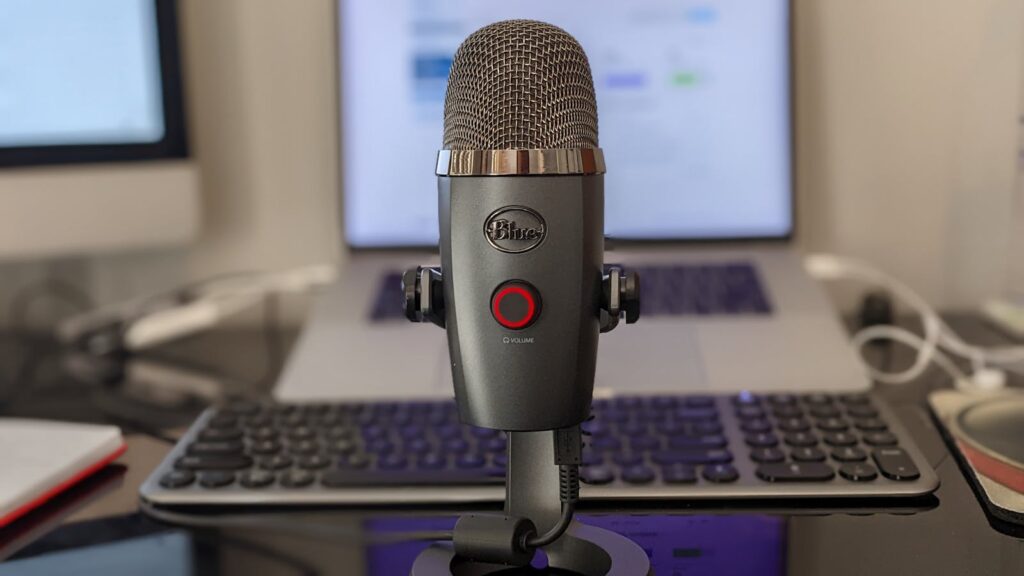
Best USB Microphones UK 2026: Under £150 Picks for Home Office Video Calls
If your meetings still sound like you’re shouting from the other end of a corridor, your laptop’s built-in mic is the culprit. The good news: the best USB microphones UK home workers can buy in 2026 cost less than a decent office chair, and the difference on a Teams or Google Meet call is immediate. Below are the picks worth your money under £150, plus what to actually look for so you don’t end up with a mic designed for ASMR streaming when you really just want to be heard in the Monday stand-up.
In This Article
- Why a USB microphone changes how you sound on calls
- What to look for in a USB microphone for home office video calls
- Condenser or dynamic: which actually suits a home office?
- How we shortlist these microphones
- The best USB microphones UK home workers can buy under £150 in 2026
- USB microphones compared at a glance
- The three we’d actually buy: pros and cons
- How to set your USB mic up so it actually sounds better
- Common questions about USB microphones for home work
- The short version: which one for you?
- The rest of the home office stack
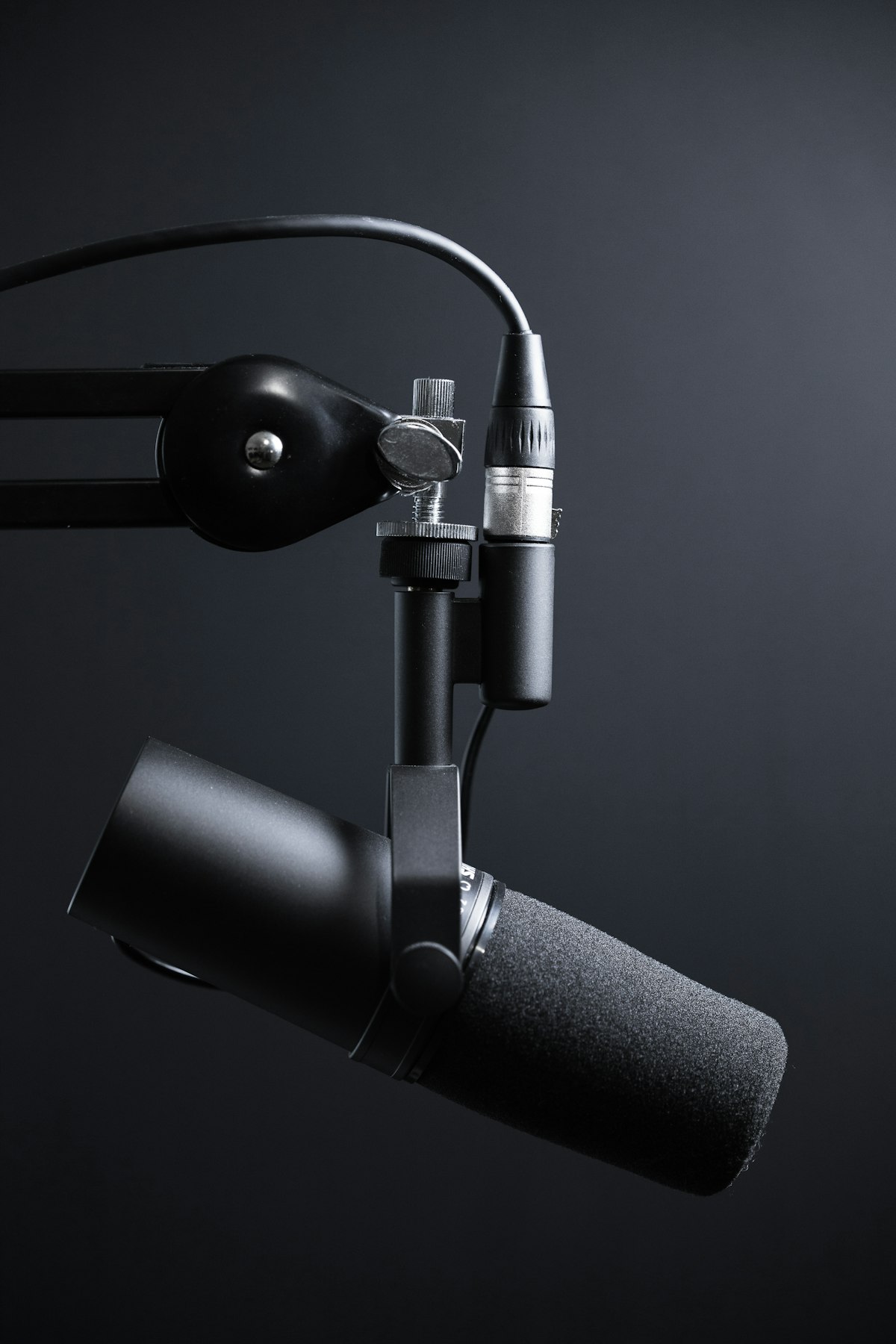
Why a USB microphone changes how you sound on calls
Laptop microphones are a compromise. They sit centimetres from a fan, capture the entire room, and apply aggressive noise reduction that often clips the start and end of your sentences. Switching to one of the best USB microphones UK home workers can buy doesn’t just make you louder – it makes you intelligible. Cardioid pickup patterns reject the room behind the mic, a proper diaphragm captures the warmth of your voice, and most models offer zero-latency monitoring so you can hear yourself the way the room is hearing you.
For anyone running back-to-back video calls from a small flat, a kitchen table or a cupboard-sized box room, a USB mic is the single upgrade that does the most for how others perceive you. Which? consistently rates audio clarity ahead of camera quality in its remote-working surveys, and that matches what most hybrid teams report: people forgive a grainy webcam, they don’t forgive being asked to repeat themselves three times.
What to look for in a USB microphone for home office video calls
Five things matter, and most marketing copy buries them.
Pickup pattern. Cardioid is what you want for home calls. It captures sound from in front of the mic and ignores the rest. Omnidirectional sounds lovely on paper but it will pick up the dishwasher, the kids, and the courier knocking. A few of the picks below offer switchable patterns, which is a nice-to-have rather than essential.
Connection. USB-C is now standard on new mics and matches modern laptops without an adapter. If you’re still on a docking station with USB-A spare, either works. Avoid mics that only ship with a USB-A cable if your machine is USB-C only – dongles add failure points.
Headphone monitoring. A 3.5mm headphone jack on the mic itself lets you hear your own voice without the network delay you get when monitoring through a meeting app. It sounds minor and isn’t.
Stand and arm compatibility. Most include a basic desk tripod. If you’ll be on calls all day, a boom arm sits the mic close to your mouth without eating desk space. Check the thread size before buying an arm separately – 5/8 inch with a 3/8 inch adapter is the standard.
Software. The good manufacturers (Shure, Rode, Logitech G/Blue, Elgato) all ship desktop apps that let you set gain, apply a high-pass filter to cut low rumble, and switch on a noise gate. You don’t need fancy AI noise suppression if your room is quiet and your mic is positioned properly.
Condenser or dynamic: which actually suits a home office?
This is the choice that decides everything else, and it’s the one most buyers skip. The two mic types capture sound differently, and for home calls the difference is not academic.
Condenser mics are sensitive. They pick up detail, air and the natural brightness of a voice, which is why studios and ASMR streamers use them. In a treated room they sound superb. In an untreated spare bedroom with a hard floor and a window, that same sensitivity captures the echo, the keyboard, the boiler and next door’s dog. The Rode NT-USB Mini and HyperX QuadCast S below are condensers, and they reward a quiet room.
Dynamic mics are less sensitive by design. They need to be close to your mouth, and in return they ignore almost everything else – the room, the fan, the family. This is why radio presenters use them in glass-walled studios. For a typical home worker on a hard-surfaced desk in a normal house, a dynamic mic like the Samson Q2U, FIFINE K688 or Logitech Yeti GX is usually the safer call, even if it looks less impressive on the box.
The rule of thumb: quiet room, want the richest voice – condenser. Noisy or echoey room, want the cleanest call – dynamic. If you genuinely don’t know what your room sounds like, record thirty seconds of yourself on your phone in Voice Memos and play it back. The amount of echo you hear is the amount a condenser will amplify.
How we shortlist these microphones
This list is built for one job: sounding clear and professional on daily video calls under £150, not for music production. We weight four things in that order. First, speech intelligibility straight out of the box, because most people will never open the EQ. Second, room rejection – how well the mic ignores the space around it, since most home offices are untreated. Third, setup friction: plug-and-play behaviour on Windows and macOS, a real headphone jack, and software that helps rather than nags. Fourth, value and longevity, including whether the mic gives you a path to grow (an XLR output, say) without throwing it away. We cross-check current availability and pricing against John Lewis, Currys, Amazon UK and the manufacturers, and we discount any mic whose strengths only show up in a silent studio.
The best USB microphones UK home workers can buy under £150 in 2026
These are the models worth your shortlist, based on what’s currently available from John Lewis, Currys, Amazon UK and direct from the manufacturers. Prices are approximate and shift with promotions.
Rode NT-USB Mini (around £95-110). The default recommendation for most home workers. Compact, magnetic desk stand, internal pop filter, and a sound that flatters speech without feeling artificially boosted. The cardioid pattern is tight enough to ignore typing on a mechanical keyboard a foot away. Headphone monitoring through a 3.5mm jack on the back. If you don’t want to think about this purchase, buy this one.
Logitech G Yeti GX or Yeti Orb (around £130-150). Logitech’s audio sub-brand (formerly Blue) has rationalised its range. The Yeti GX is the premium dynamic option and uses a tighter cardioid pattern that suits noisy rooms. RGB lighting that you can mercifully turn off. Pairs with G Hub software for a noise gate, EQ presets and a pop-filter setting that genuinely works on plosives.
Elgato Wave:3 (around £130-145). Built for streamers, but excellent for meetings. The standout feature is Wave Link software, which gives you a virtual mixer for routing your mic, your meeting audio and any music separately. Useful if you regularly switch between calls, podcast recording and just listening to something while you work. 24-bit audio, capacitive mute on the top.
Samson Q2U (around £60-75). The best budget pick on the market and has been for years. A dynamic mic with both USB and XLR outputs, which means it grows with you if you ever get into podcasting properly. Rejects room noise better than any condenser at this price. Less polished out of the box than the Rode but a serious upgrade on any laptop mic.
HyperX QuadCast S (around £130-150). Four pickup patterns, built-in shock mount, tap-to-mute on the top. The cardioid mode is the one you’ll use 95% of the time for calls. Slightly bright sound that some voices love and others find fatiguing – if you can, listen to a sample on YouTube before buying.
FIFINE K688 (around £75-90). The wildcard. A dynamic USB-C mic with a built-in headphone jack and physical gain knob. Sounds noticeably better than the price suggests, although the build quality is plastic-y. A good shout if you want dynamic-mic noise rejection but can’t stretch to the Q2U with a separate stand.
If your budget stretches a touch further, the Rode NT-USB+ at around £170 is the sensible upgrade and worth the jump. The Shure MV7+ sits above £200 and is in a different conversation – a separate piece is coming on that.
USB microphones compared at a glance
| Microphone | Type | Connection | Headphone jack | Approx UK price | Best for |
|---|---|---|---|---|---|
| Rode NT-USB Mini | Condenser | USB-C | Yes (3.5mm) | £95-110 | The safe default in a quiet room |
| Samson Q2U | Dynamic | USB-A + XLR | Yes (3.5mm) | £60-75 | Best value; grows into podcasting |
| FIFINE K688 | Dynamic | USB-C | Yes (3.5mm) | £75-90 | Cheap dynamic noise rejection |
| Elgato Wave:3 | Condenser | USB-C | Yes (3.5mm) | £130-145 | Routing calls, music and recording |
| Logitech G Yeti GX | Dynamic | USB-C | No dedicated jack | £130-150 | Noisy rooms; software control |
| HyperX QuadCast S | Condenser | USB-C | Yes (3.5mm) | £130-150 | Switchable patterns; tap-to-mute |
The three we’d actually buy: pros and cons
Six good options is more choice than most people want. If you’d rather just decide, these are the three that suit the most home setups, with the trade-offs spelled out.
Rode NT-USB Mini – the no-regrets pick. For: flattering speech tone, genuinely compact, magnetic stand, internal pop filter, tidy cardioid pattern. Against: it’s a condenser, so it punishes an echoey room; no gain knob on the body, so you set levels in software.
Samson Q2U – the value pick. For: dynamic noise rejection, USB and XLR in one, headphone jack, costs about half the premium options. Against: needs to be close to your mouth, the bundled stand is basic, and it’s a USB-A cable in the box – check your ports.
Elgato Wave:3 – the power-user pick. For: Wave Link mixing is genuinely useful if you juggle calls, recording and audio; clean 24-bit sound; capacitive mute. Against: it’s a condenser (quiet room again), and you’re paying partly for streaming features you may never touch.
How to set your USB mic up so it actually sounds better
A premium mic on a bad setup sounds worse than a budget mic on a good one.
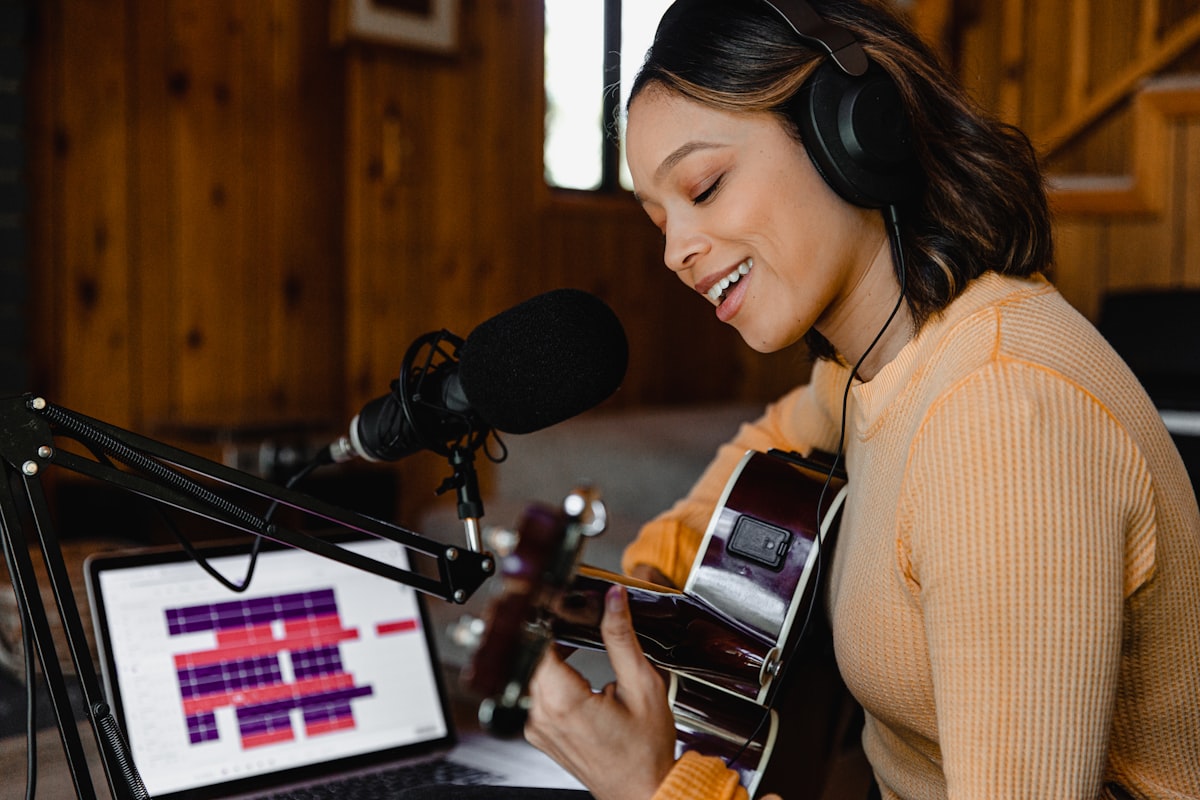
Position the mic six to twelve inches from your mouth, slightly off-axis so plosives (“p” and “b” sounds) don’t hit the diaphragm head-on. If you’re using the included desk stand, that means tilting the mic up towards your chin rather than pointing it straight at your nostrils.
Set the gain so your peak speaking voice hits around -12 dB in your meeting app’s input meter. Too quiet and you’ll sound muffled when noise reduction kicks in; too loud and you’ll clip on enthusiastic moments.
Choose your USB mic explicitly in your meeting app’s audio settings. Teams and Zoom both default to “system default”, which can switch to your headphones’ built-in mic when you plug them in. Lock it down.
If your room echoes, soft furnishings help more than expensive acoustic foam. A bookshelf, a rug, curtains and a fabric sofa all do useful work. For more on quietening a workspace, our guide to home office soundproofing has the practical version of this without the foam-panel cult stuff.
Common questions about USB microphones for home work
Do I need a separate audio interface? No, that’s the whole point of USB. You only need an interface if you go XLR, which adds £100+ for a basic Focusrite Scarlett Solo plus the mic itself. Stay USB unless you’re recording music.
What about wireless lavalier mics like the DJI Mic 2? Brilliant for video, less convenient for desk-bound calls. Battery life is a faff and the receivers don’t always behave with meeting apps. A wired USB mic is the simpler choice for daily home office use.
Will a USB mic work with my work laptop? In almost every case yes – macOS and Windows treat them as plug-and-play. Locked-down corporate machines occasionally block external audio devices, so check with IT if you’re on a heavily managed device. Most companies are fine with it; many will even expense it.
Should I get a boom arm? If you’re on calls more than two hours a day, yes. A boom arm gets the mic out of your eyeline on camera and stops you knocking it with elbows or coffee mugs. The Rode PSA1+ is the durable option around £130; cheaper arms in the £30-40 range work fine for lighter use, just check the weight rating against your mic.
Can I run the mic through a USB hub or docking station? Usually yes, but use a powered hub rather than an unpowered one. Bus-powered mics can drop out or sound quiet on a hub that’s already feeding a keyboard, mouse and external drive. If a mic behaves on the laptop directly but not on the dock, the hub’s power budget is almost always the reason.
How long should one of these last? A USB mic has no moving parts beyond a mute switch, so a well-treated unit should run for years rather than months. The usual failure point is the cable, not the capsule – which is one more reason to favour models with a standard, replaceable USB-C lead over a fixed one.
The short version: which one for you?
If you want to stop reading and buy something: get the Rode NT-USB Mini if your room is quiet and you want it to just work. Get the Samson Q2U if your room is noisy or your budget is tight, and you don’t mind it sitting close. Get the Elgato Wave:3 if you regularly record as well as call. Everything else on the list is a good buy for a specific reason, but those three cover the overwhelming majority of home setups.
The rest of the home office stack
A microphone is one piece. If your camera is also showing its age, our pick of the best webcam for UK home workers covers the equivalent ground for video. And if your meetings keep dropping out mid-sentence regardless of how good your mic is, the issue isn’t audio – our guide to home office WiFi walks through what to check first.
One last note: don’t overthink this. The Rode NT-USB Mini sat on a desk stand will sound dramatically better than your laptop mic from day one. Spend an evening getting it positioned and gain-set, and it’ll quietly do its job for years. The Guardian’s tech section has noted the same thing in its hybrid working coverage – the cheapest meaningful upgrade for remote workers is almost always audio, not video.
If the next gap in your set-up is screen real-estate rather than sound, our portable monitor picks under £300 are the obvious next upgrade. And if all-day calls are leaving you stiff, a properly set-up chair and desk matter as much as the kit on top of them – our ergonomic keyboard guide is the companion piece for the typing half of the day. What’s the single piece of home office kit that’s made the biggest difference to how you sound or look on calls – and is there anything you regret spending money on?
Audio is one part of a comfortable desk. If you are on calls all day, the right home office chair matters at least as much as the kit sitting on top of it.





Thanks for keeping the picks under 150 quid – so many of these guides drift into prosumer territory by the third recommendation. Picked up a Blue Yeti Nano on a similar tip last year and the jump in clarity on Teams was immediate. One thing I would add: a cheap boom arm makes more difference than people expect because it stops you breathing into the capsule. Did you find any of the cheaper picks held up against the Yeti for actual sound quality, or is the price gap honest?