
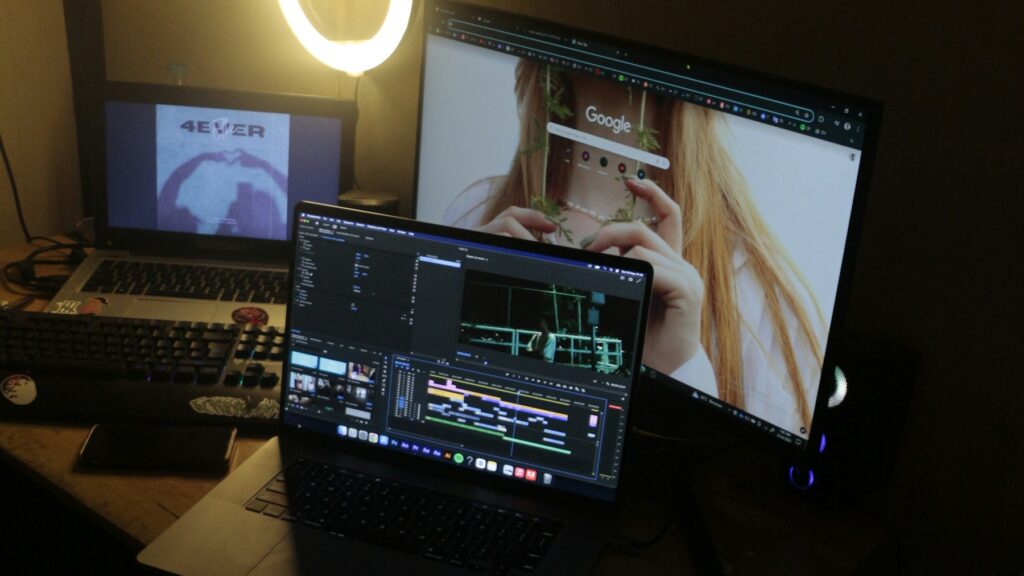
Webcam Lighting UK 2026: Why Your Home-Office Calls Still Look Grim Under £100
Three years into the hybrid era and most UK home workers have sorted the camera, the microphone and the chair. Webcam lighting in the UK is the bit nobody quite cracks. You buy a £130 webcam, you join the 9am Teams call, and your face still looks like it was filmed in a corridor at the back of a Premier Inn. That’s because cameras don’t fix lighting problems – they just record them more accurately. If your video calls still look flat, grey or shadowed in 2026, the answer is rarely a better camera. It’s better webcam lighting, and you can sort it on a UK desk for under £100.
In This Article
- Why Webcam Lighting Beats a New Camera
- What Good Webcam Lighting Actually Looks Like
- Webcam Lighting UK Under £50: The Entry-Level Picks
- Webcam Lighting in the UK Under £100: The Step-Up Bracket
- The Picks Side By Side
- Glasses, Reflections And The Ring-Light Problem
- Where to Place Webcam Lighting on a Real UK Desk
- Common Mistakes UK Home Workers Still Make
- Quick Answers
- How to Tell If You’ve Got It Right
This guide is for hybrid workers, freelancers and anyone who has spent enough time on Zoom to notice that the colleague with the magazine-shoot face isn’t doing it with charisma alone. We’ve focused on what actually works in real UK rooms – small, north-facing spare bedrooms in November, fluorescent ceiling lights, all of it – and stuck to kit you can buy on Amazon UK or John Lewis without flinching at the price tag.
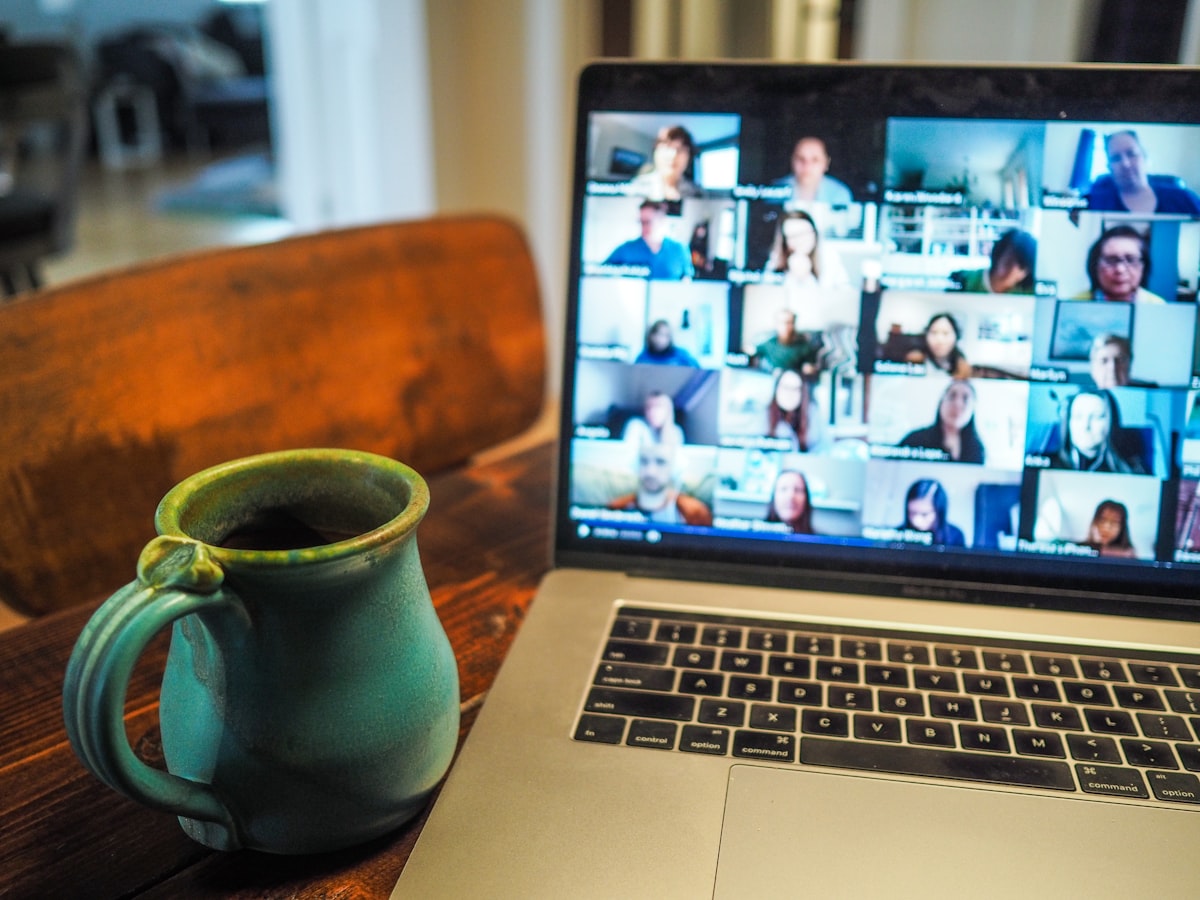
Why Webcam Lighting Beats a New Camera
Here’s the thing manufacturers won’t put on the box: webcam image quality is mostly a function of light. A camera sensor reproduces the light hitting it. If that light is mixed, dim or coming from behind you, no amount of megapixels will rescue the image. Which?’s ongoing webcam testing makes the same point about laptop cameras: lighting fixes more problems than upgrading the lens.
Try it yourself. Get a basic webcam, point a lamp at your face from in front of the screen, and join a call. Then swap to a top-spec 4K webcam under your kitchen ceiling spotlight. The cheap setup wins, every time. That is why webcam lighting in UK home offices is the upgrade most people skip and most desks need – particularly between October and March, when natural light disappears by 3.30pm.
If you do want to know whether the camera itself is the bottleneck, our best webcam for UK home workers under £150 guide covers that side of the kit. For most people, though, lighting is the bigger lever.
What Good Webcam Lighting Actually Looks Like
Three principles do most of the heavy lifting on a video call.
Front and slightly above. Light should come from where the camera is looking. That means in front of you, roughly at eye level or just above, not from a ceiling fitting directly overhead, and definitely not from behind you. Backlight is the single most common reason UK home-office calls look like hostage videos.
Soft, not bright. A bare bulb at 100W will blow your face out. You want diffused light – through a softbox, a frosted panel or a translucent ring – so the highlights on your face roll off rather than burning in.
Daylight balanced. Look for a colour temperature around 5,000-5,600K for a neutral, awake look. Warmer than that (the standard British living-room temperature, around 3,000K) and you will come across as jaundiced. Cooler than 6,500K and you’ll look like you’re reading the news from inside a fridge.
There’s a fourth number worth knowing, and it’s the one cheap lights quietly fail on: CRI, or colour rendering index. It’s a 0-100 score for how truthfully a light shows colour. Anything above 95 is good; the bargain ring lights often sit around 80, which is why your skin looks slightly off and your navy jumper turns black on camera. The Elgato and Lume Cube panels publish CRI figures above 95. The £12 clip-ons don’t publish them at all, which tells you what you need to know.
Get those right and almost any modern webcam, including the one built into a 2023 MacBook Pro, will look broadcast-tier.
Webcam Lighting UK Under £50: The Entry-Level Picks
If you’re testing the water, you don’t need to spend much. The best entry-level pick in 2026 is the Logitech Litra Glow, currently around £45-£55 depending on retailer. It clips on top of a monitor, runs off USB-C, gives you three colour temperatures and has a frosted front so the light is soft straight out of the box. It is the lighting equivalent of a Yale lock – not exciting, but it just works.
Just above that bracket, the Elgato Key Light Mini appears around £80-£90 in UK stock and is a bit more capable – dimmable, daylight balanced, and with a small built-in battery so you can carry it between coworking spaces. Both are easy to recommend for anyone whose calls are one-to-one or small-group on Teams or Google Meet, and neither needs additional drivers on Windows 11 or macOS Sonoma.
What to avoid at the cheap end: the £12-£15 Amazon clip-on ring lights aimed at TikTok creators. They run on flicker-prone PWM dimming, the colour drifts as the battery dies, and they almost always sit at the wrong height for a webcam. Save the money.
Webcam Lighting in the UK Under £100: The Step-Up Bracket
If you’ve got a bigger room, or a setup with a window behind you, you’ll want more output and more control. Two solid options in the UK:
The Elgato Key Light Air (around £100 single, £180 a pair) is what most UK streamers and serious remote workers end up on. It is a panel light on a flexible arm that clamps to your desk, controlled from an app, with proper colour temperature stops and a high CRI rating. One is plenty for a small spare-bedroom office. Two, placed at 45 degrees either side of your monitor, give you a near-shadow-free look without needing a full studio.
The Lume Cube Broadcast Lighting Kit is the flexible alternative if your desk is the wrong shape for a clamp mount. It includes a small magnetic suction-cup ring that sticks to monitor glass, runs off USB-C, and can be repositioned in seconds – good for hot-deskers or anyone who works from more than one location.
The Picks Side By Side
If you’d rather not read four product paragraphs again, here’s the short version. Prices are typical UK street prices in mid-2026 and move around on Amazon, so treat them as a guide rather than gospel.
| Light | Typical UK price | Mounts by | Colour control | Best for |
|---|---|---|---|---|
| Logitech Litra Glow | £45-£55 | Monitor clip | 3 presets | First-timers, one screen |
| Elgato Key Light Mini | £80-£90 | Clip or stand, has battery | Dimmable, daylight | Hot-deskers, coworking |
| Elgato Key Light Air | £100 (£180 pair) | Desk clamp arm | App, full temp range, CRI 95+ | Serious remote workers |
| Lume Cube Broadcast Kit | £90-£110 | Suction to monitor glass | USB-C, daylight | Awkward desks, laptops |
My honest steer: skip the Mini unless you genuinely move between desks. For a fixed home office, the £50 Litra Glow does 90% of what the Mini does, and the £100 Key Light Air does the remaining 10% far better than the Mini ever will. The Mini is the one that sounds clever and ends up in a drawer.
Glasses, Reflections And The Ring-Light Problem
Wear glasses? Then ignore most of the ring-light hype aimed at you. A ring light produces two bright circles – one in each lens – and on a call they’re all anyone can see. It’s the reason half of LinkedIn looks like they’re being interrogated by a UFO.
A flat panel held slightly to one side and angled down solves it. Tilt the light about 15 degrees off-centre and drop it a touch above your eyeline, and the reflection slides off the edge of the lens instead of sitting dead centre. If you can move the light left or right by even 20cm, do that before you do anything else. Anti-reflective coatings on your glasses help, but positioning does the real work.
This is the contrarian bit: ring lights are genuinely worse than panels for most desk video calls, glasses or not. They were designed for phone-distance beauty content, not a face sat 60cm from a monitor. The only people who should buy one are those filming themselves talking straight down a phone lens. For a Teams call, a panel wins every time.
Where to Place Webcam Lighting on a Real UK Desk
The answers in the manuals assume an American studio with a dedicated office. UK home setups are messier – desks against walls, windows on the wrong side, monitors at different heights, a radiator inconveniently in the way. A few rules of thumb that hold up in real rooms:
If you have a window, sit facing it whenever the sun is up, and use your webcam light as a fill rather than the main key. Free daylight still beats anything at any price. The Guardian’s work-and-careers coverage has flagged the same thing repeatedly: natural-light positioning is the single biggest predictor of who looks good on camera in remote-first companies.
If your desk is against a wall and you have no window, mount the webcam light at the top of your monitor, slightly higher than your eyeline, and angle it down at about 15-20 degrees. That is where the magic happens.
Don’t put your webcam light directly behind the camera. It blasts your face flat, kills any sense of depth, and exaggerates skin texture. You want a small angle – 10 to 30 degrees – between the camera and the light source.
One easy win if you work off a laptop: get the camera up to eye level first. A built-in webcam pointed up your nose will fight any lighting you throw at it, and raising the machine fixes the angle for free. Our laptop stand guide for UK home workers covers the cheap risers that do this, and it pairs neatly with a clip light on the monitor behind.
Common Mistakes UK Home Workers Still Make
Three problems show up over and over again on UK calls in 2026.
Mixing colour temperatures. Daylight panel plus warm desk lamp plus ceiling spot at a third temperature equals an orange-and-blue patchwork on your face. Pick one temperature for the room and stick to it.
Lighting the wall, not yourself. A common mistake with clamp lights is angling them so they hit the wall behind you. Your webcam meters off the brightest area in frame – the wall – and underexposes you. Always check the brightness on your face, not the room.
Skipping the audio. Bad lighting is annoying. Bad audio gets you taken less seriously. If you’ve not sorted that side yet, our best USB microphones under £150 for UK home offices is the obvious companion piece.
Quick Answers
What colour temperature is best for video calls? Aim for 5,000-5,600K. It reads as neutral daylight on camera, which is what you want for skin tones. Going warmer makes you look jaundiced; going much cooler makes you look ill.
How bright does a webcam light need to be? Less than people think. A panel in the 400-700 lumen range, diffused and placed close, beats a 1,500-lumen light blasting from across the room. Closer and softer wins over brighter and harsher almost every time.
Do I still need a light if I sit by a window? On a bright day, no – daylight does the job. But UK daylight is unreliable, and a small panel as backup means your 4pm December call doesn’t collapse into murk. Buy the light for the dark half of the year.
Is a ring light good for a Teams call? Not really, for the reasons above. A flat panel is the better buy for desk-based calls, especially if you wear glasses.
How to Tell If You’ve Got It Right
A quick test: open your webcam preview, set up your lighting, then turn the room lights off one at a time. If your image gets noticeably worse when you kill a particular bulb, that bulb is doing useful work and probably wants upgrading rather than replacing. If it gets noticeably better, that bulb is the problem.
The other test is the Friday-afternoon Teams call. If you join at 4.45pm in November and you don’t immediately look two grades worse than the colleague who joined at 9am, your webcam lighting setup is working.
Lighting is half of how you come across on Teams; the other half is sound, and a dedicated office headset rather than earbuds closes the gap faster than any camera upgrade. If you want the room itself to look right behind you too, our home office lighting guide for UK workspaces handles the ambient side. What’s the daftest webcam lighting bodge you’ve ended up with – a desk lamp pointed at the ceiling, a stack of A4 paper as a diffuser, an iPad propped against a mug? Tell us, because we have all been there.



Did exactly this last autumn – swapped a £180 Logitech webcam for the bog-standard Logi I already had plus an Elgato key light. Difference is night and day, literally. The bit I’d add is colour temperature: most ceiling lights in UK homes are about 2700K and if your key light is 5000K you end up looking jaundiced on one side. Anyone got a decent budget light with adjustable temp under £40?
Neewer do a 660 bicolour panel for about £55 with adjustable 3200K-5600K and the build is basic but the colour accuracy is fine for calls. Yongnuo’s YN300 Air II is the other obvious one. Bigger thing for me was getting a proper diffuser sock on it – raw LED panels are unforgiving on skin even when the temperature is matched.